 Little Orbit
Reading & letters
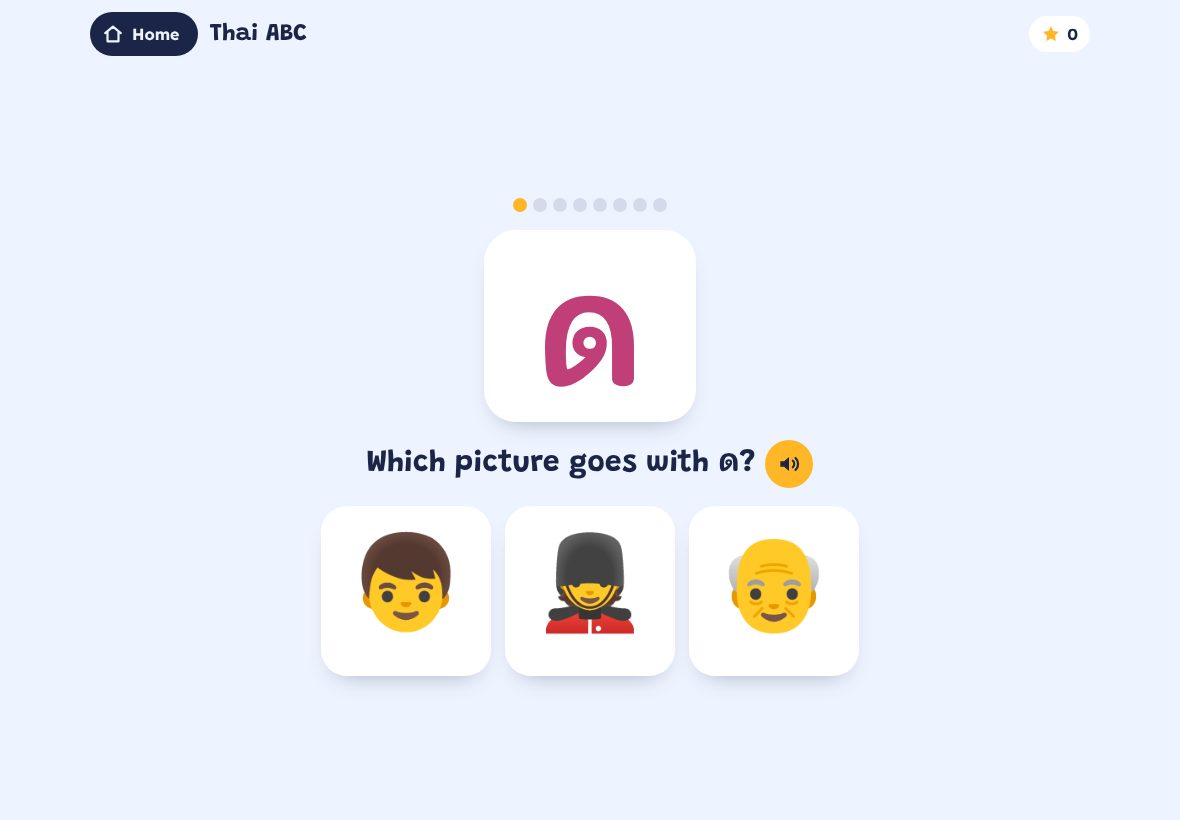
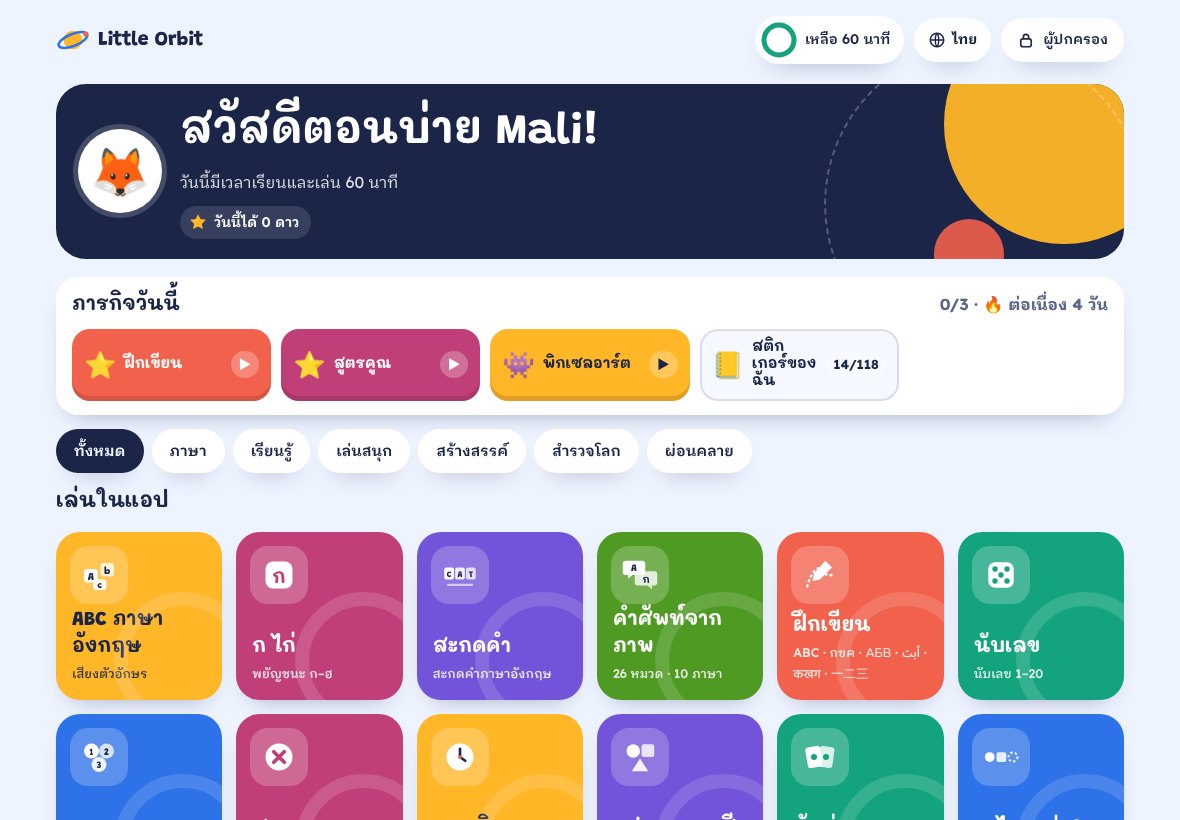
English ABC sounds, Thai alphabet ก–ฮ, Word Builder spelling and finger tracing for letters and numbers.
Little Orbit turns your Android tablet into a learning-only home screen. 18 built-in games, hand-picked websites, screen-time limits — and a lock so your child can't wander off to YouTube or the app store.
60 minutes of play free · then $19.99 once · no subscription · no ads
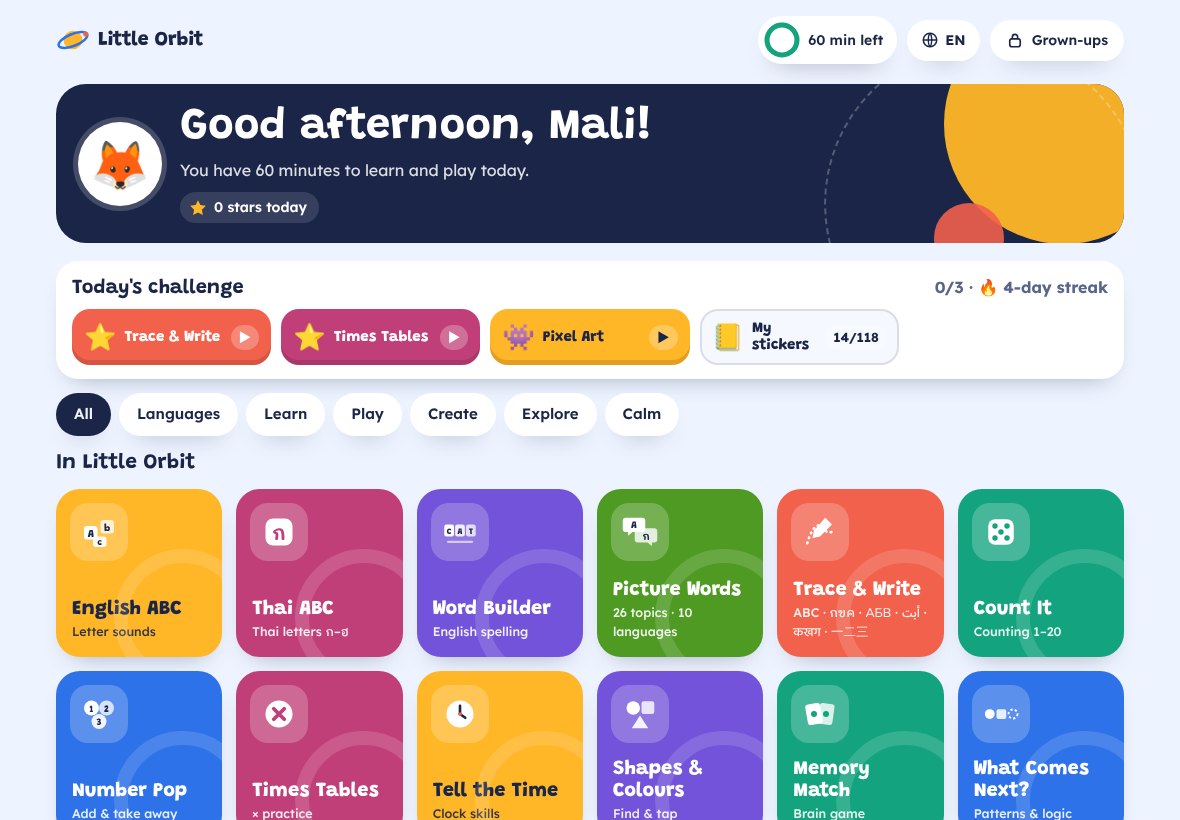
Every game adapts to your child's age and speaks instructions out loud in their language.
English ABC sounds, Thai alphabet ก–ฮ, Word Builder spelling and finger tracing for letters and numbers.
Counting, adding and taking away, times tables with hints, telling the time and what-comes-next patterns.
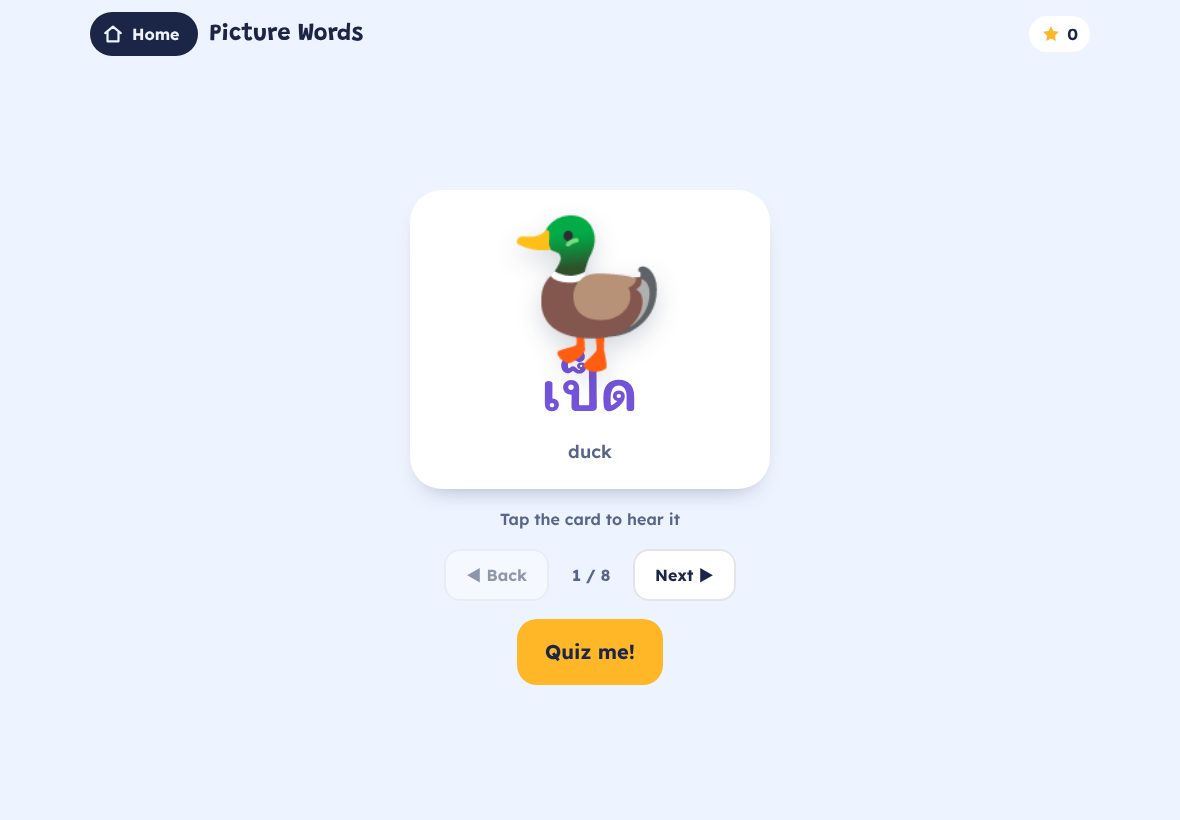
Animal riddles with fun facts, science sorting (living or not, floats or sinks) and picture words in 10 languages.
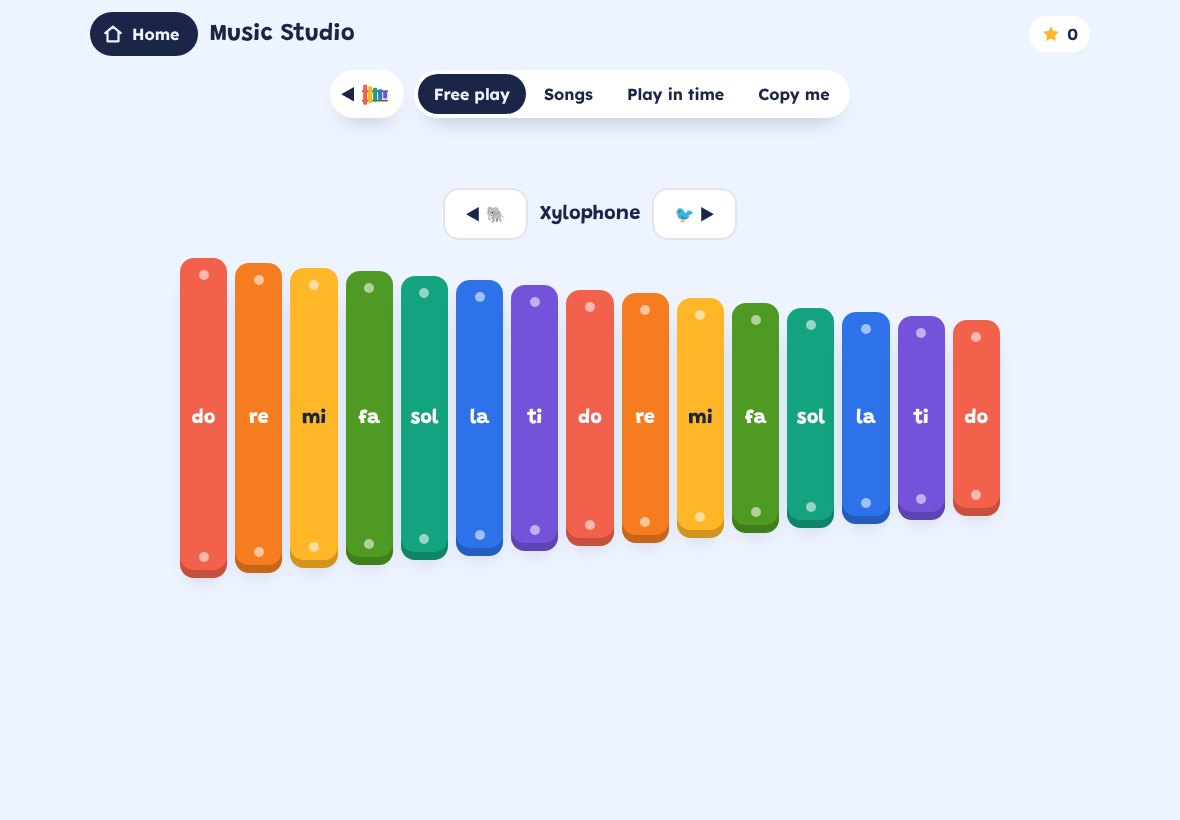
A drawing pad with saved gallery and a piano with copy-me memory games and songs to follow.
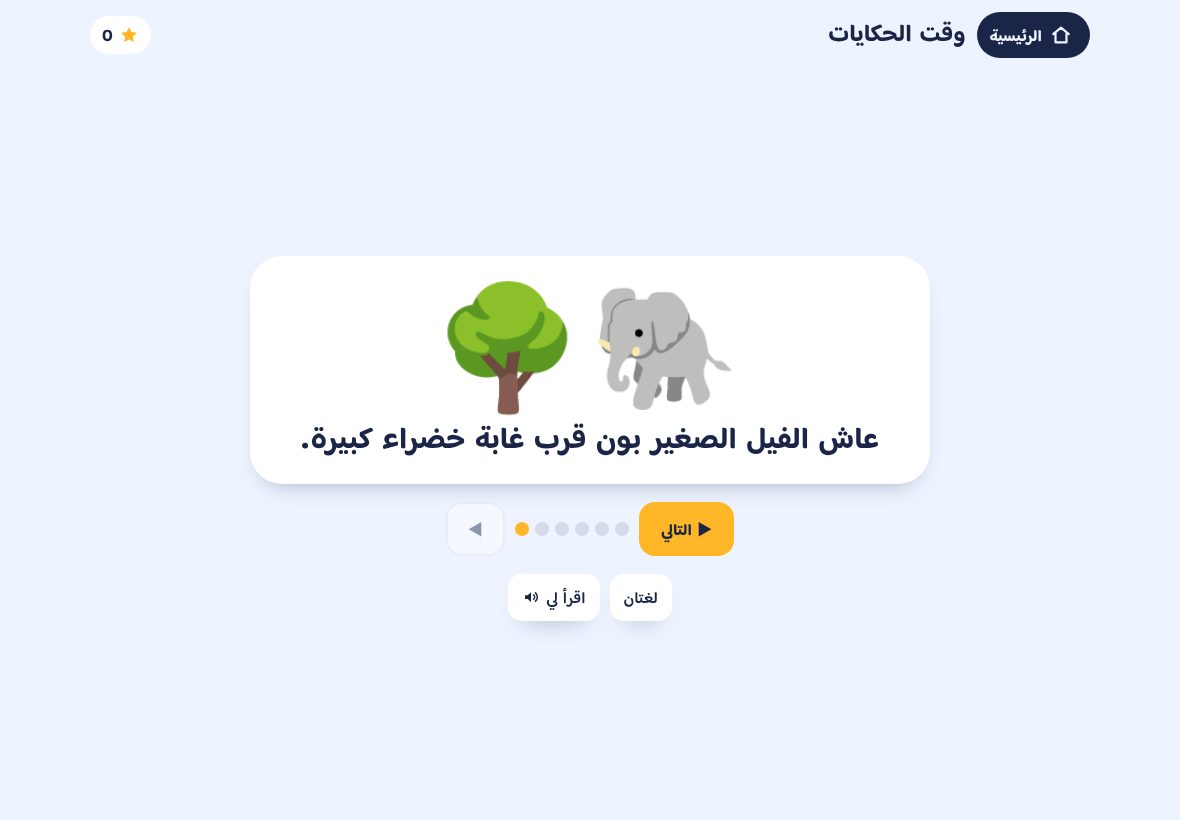
Read-aloud bedtime stories, guided breathing and a feelings check-in that parents can see.
Starfall, Khan Academy Kids, PBS KIDS, NASA Space Place and more — opened inside Little Orbit so links can't lead elsewhere.
60 min
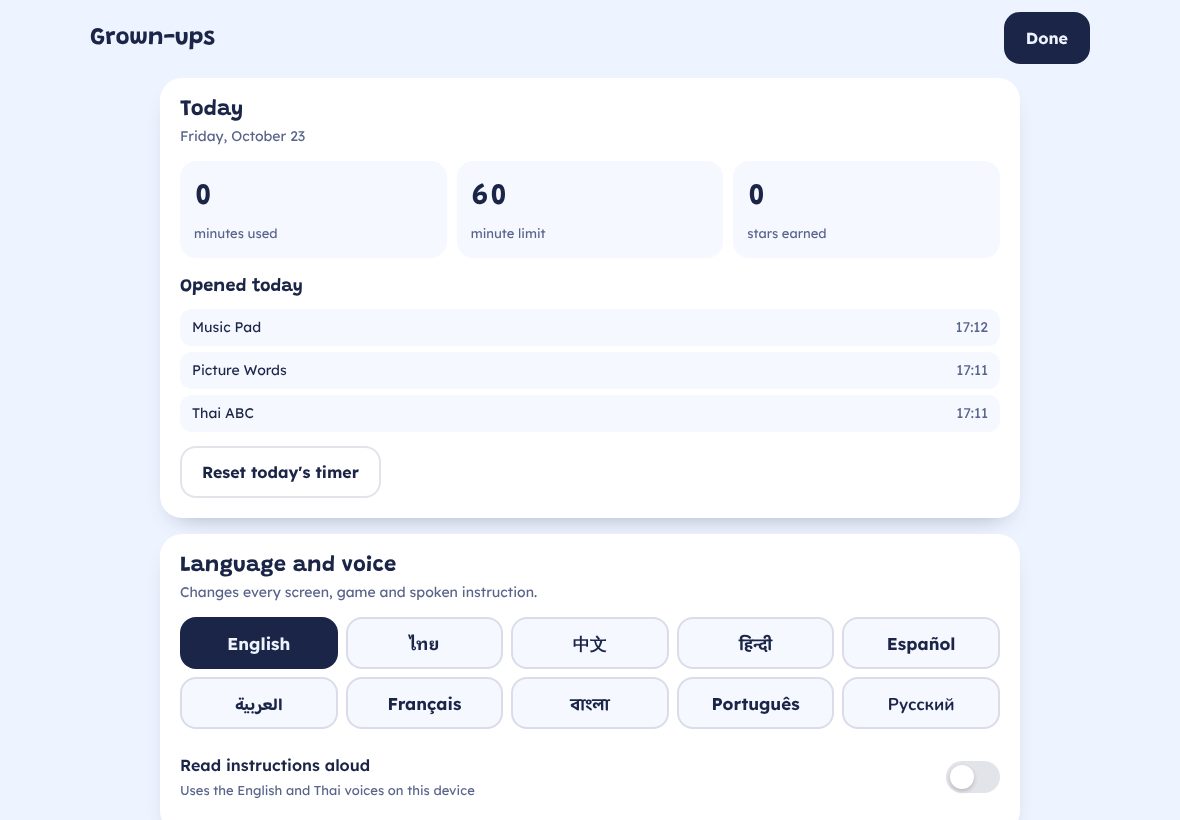
Of real play, so you can see your child use it. Linked to the tablet, no card needed.
$19.99 one-time
Every game, every language, all future updates. Use it on up to 3 tablets in your family.
Start the free trialVersion 1.0.1 · 1.1 MB · Android 7.0 or newer · signed by Brightlane Digital
Little Orbit is installed from this website rather than Google Play, so Play Protect may show a warning for an unknown developer. Tap More details → Install anyway. On iPad? Use the browser version with Guided Access for now.
Little Orbit asks a grown-up to unlock it. Behind your PIN you can buy it once for $19.99 and it unlocks straight away. The free time is counted per tablet, so signing in with another email doesn't restart it.
Not if you switch on the lock. In Grown-ups, tap Pin now (Android screen pinning) or make Little Orbit the home screen, so the Home and Back buttons always come back. Approved websites open inside Little Orbit and links to other sites are blocked.
Ages 4 to 10. Set your child's age in Grown-ups and the games adjust their difficulty; you can also hide apps that don't suit their age.
English, Thai, Chinese, Hindi, Spanish, Arabic, French, Bengali, Portuguese and Russian. Spoken instructions use your tablet's own voices.
Yes, when it comes from the developer. Download Little Orbit only from this website. Because it isn't from Google Play, Android may warn about an unknown developer; tap More details, then Install anyway.
We store your email, your purchase and how many trial minutes your tablet has used. Your child's name, settings and drawings stay on the tablet. No ads, no trackers. See the privacy policy for details.
Yes. One purchase covers up to 3 tablets in your family. Sign in with the same email on each.
The app is Android-only for now. On iPad you can open the browser version and use Apple's Guided Access to keep your child in Safari on that page.